
You open a creator’s profile and find three tabs.
Stories has today’s updates.
Highlights shows older collections.
Spotlight has videos you may have already seen in your feed. Why is everything split up?
Each section has a different job. Stories share what is happening now. Spotlight helps people discover videos. Highlights keeps selected Story collections available on a public profile.
On SnapStoryViewer, Highlights is the label used for saved public-profile Story collections. Snapchat’s documentation calls this content Saved Stories.
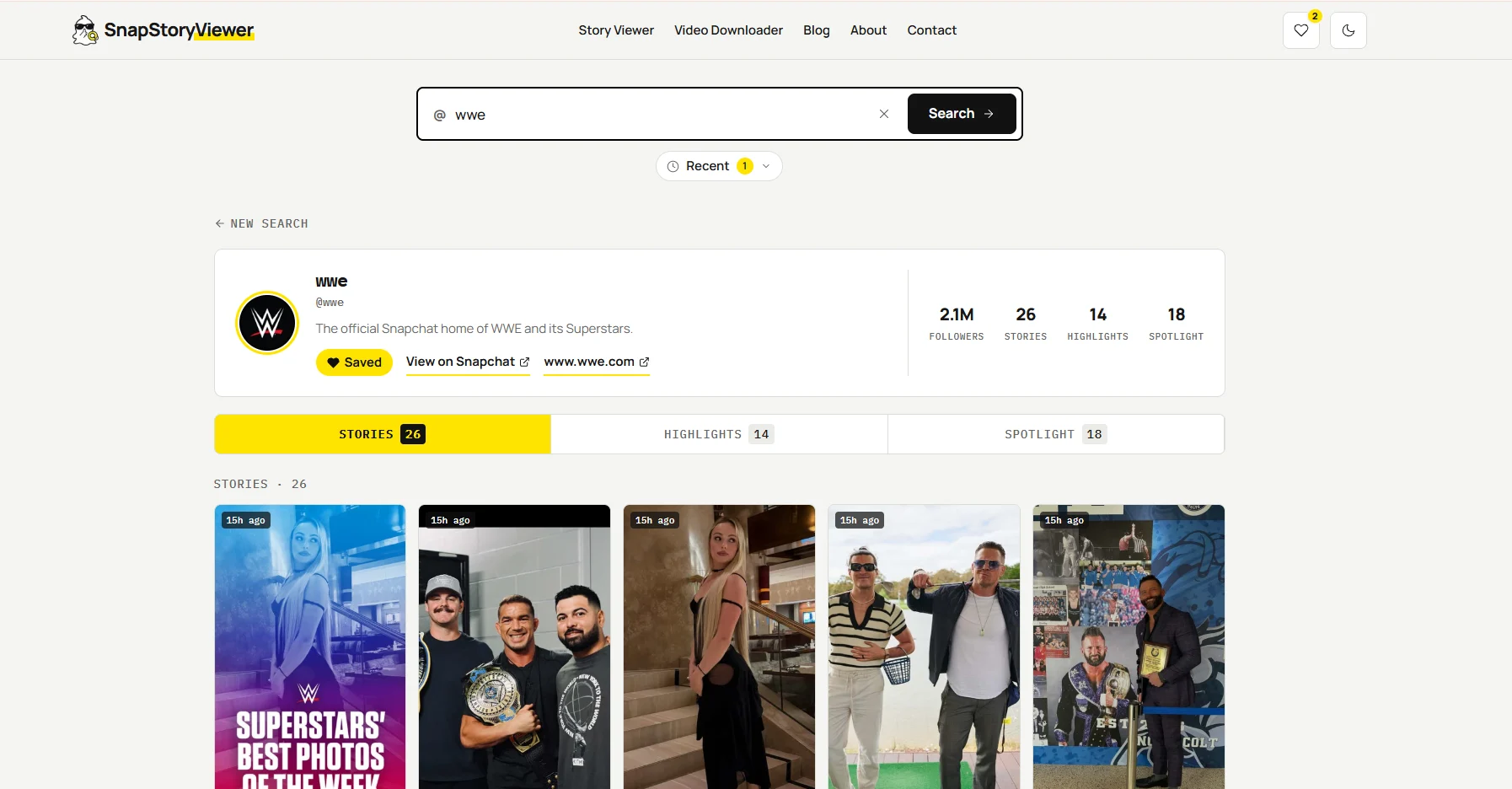
SnapStoryViewer separates Stories, Highlights, and Spotlight. This supplied screenshot is an example; its content and counts can change.
Choose the tab that matches what you want
Stories — look for a creator’s available recent updates.
Spotlight — browse public videos made for discovery.
Highlights — explore saved collections on a public profile.
A creator may have content in one section and nothing in another. An empty Stories tab does not mean their Spotlight videos or saved collections have disappeared.
Stories vs Spotlight vs Highlights at a glance
The biggest differences are where the content appears, who can see it, and whether it is temporary.
Compare | Stories | Spotlight | Highlights |
|---|---|---|---|
Main purpose | Share recent updates | Help viewers discover public videos | Keep Story collections on a public profile |
Where it appears | Story areas and active public Stories on a profile | Spotlight feed; profile display depends on posting choices | Saved Story collections on a public profile |
Audience | Depends on the Story type and privacy settings | A wider public audience, including non-followers | People browsing the public profile |
Typical lifespan | Usually 24 hours; settings can vary | Not tied to the normal 24-hour Story expiry | Can remain beyond 24 hours while published |
Content style | Photos or videos in a sequence | Public video Snaps | Collections of Snaps, photos, and videos |
Good example | Today’s behind-the-scenes updates | A self-contained funny clip or tutorial | A trip recap or selected past moments |
Viewer tab | Stories tab | Spotlight tab | Highlights tab |
One creator can use all three
Imagine a travel creator visiting Istanbul. They share quick updates as a Story, post a short food video to Spotlight, and save a collection of trip photos on their public profile.
It is the same trip, but each destination serves a different viewing experience. The active Story may expire while the saved collection and Spotlight video are still available.
Stories are for recent updates
A Story is a sequence of Snaps. It can show a day out, a product launch, or a few moments from a creator’s routine. My Story normally lasts 24 hours, although Snapchat+ settings can change that duration.
The audience matters. My Story · Friends is for friends, subject to the account’s settings. My Story · Public is a separate public destination. Followers can find public updates in Following, and profile visitors can see active public Stories.
For viewers, Stories is the place to start when you want to know what a creator has shared recently. A missing update may have expired, been removed, or been shared with a different audience.
Spotlight is for discovering videos
Spotlight is Snapchat’s entertainment and discovery area. It helps viewers find public videos from across the community, including creators they do not already follow.
A funny moment, a quick recipe, or a useful tutorial can work well here because the video makes sense on its own. A viewer does not need to watch a whole day of updates first.
Spotlight content is separate from an active Story. It does not follow the same normal 24-hour expiry. A video’s availability and its visibility in recommendations are different things.
Highlights are saved public profile collections
On SnapStoryViewer, the Highlights tab groups saved public-profile Stories. Think of it as a shelf for collections a creator keeps available after the moment has passed.
Snapchat lets creators add a Story to their public profile using their Post Archive, Memories, or Camera Roll. They can give the collection a title and a cover.
These saved collections can remain on the profile beyond the active Story window. That does not make them a complete archive of every Snap the person has ever posted.
Snapchat also offers a setting to auto-save Public Stories to the public profile. Creators can edit or delete those collections, and posts marked Limited Reach are excluded from the automatic save.
A Public Profile brings the content together
The Public Profile is the creator’s public home. It can display different kinds of content. It is not a fourth content format that replaces Stories, Spotlight, or saved collections.
How to browse the three sections without the app
Want a creator’s latest updates or an older collection? Start with their exact Snapchat username or public profile link on SnapStoryViewer. The website provides separate tabs for available public content.
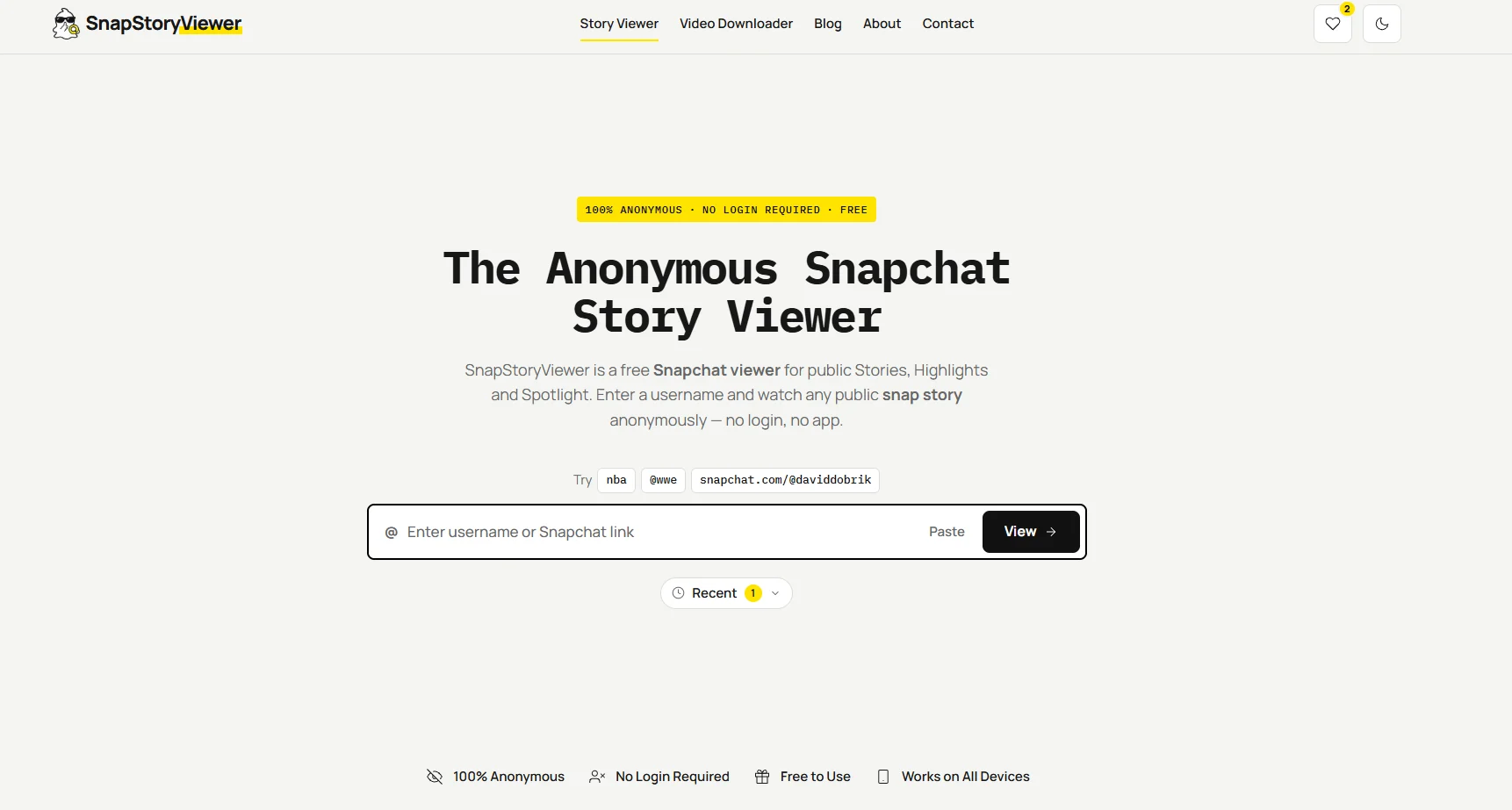
Enter a Snapchat username or public profile link in the search field on the SnapStoryViewer homepage.
Open snapstoryviewer.net in your browser.
Enter the creator’s username or paste their public profile link.
Select View to open the available profile results.
Choose Stories, Highlights, or Spotlight according to what you want to watch.
Open an available item. If a download option is provided, you can save that item.
Check another tab if one section is empty. A profile can have saved collections even when it has no active public Story.
The tool displays available public content. It cannot open friends-only or Private Stories, and an empty result is not proof that someone blocked you.
Browse available public Stories, Highlights, and Spotlight: Open SnapStoryViewer
Frequently asked questions
Are Highlights the same as Stories?
They can contain Story content, but Highlights in this tool means saved collections on a public profile. An active Story is usually temporary; a saved collection can stay available longer.
Does posting a Story also publish it to Spotlight?
Do not assume that it does. Stories and Spotlight are separate destinations. Check where you chose to share each Snap.
Can old Stories appear in Highlights?
Yes, if the creator saved or published them as a public-profile collection. That does not mean all expired Stories are available.
Why does a profile have Spotlight but no Stories?
A Spotlight video can remain available after active Story updates expire. The creator may also simply not have posted a recent public Story.
Can a public viewer show private posts?
No. Public profile content and restricted stories have different audiences. A public viewer cannot grant access to friends-only or Private Stories.