
Your favourite creator posts a behind-the-scenes clip on Snapchat.
Someone mentions it on Instagram, and now you want to watch it—but you don’t want another app on your phone.
You just want to see an UPDATE.
Do you have to install Snapchat just to check their updates?
Well..No! There is a solution.
For available public Stories, you can try a browser-based viewer.
You won’t get every part of the Snapchat experience, but it gives you a way to check public updates without installing the app.
Here’s how to make that part of your routine using SnapStoryViewer.net.
Start With the Creator’s Snapchat Username
Before you open a viewer, find the creator’s correct Snapchat username. Look for it in their Instagram bio, YouTube description, website, or a Snapchat profile link they have shared.
Don’t rely only on their name.
A creator might be known as “Cooking With Sara” while using a completely different Snapchat username.
Guessing can lead to the wrong account—or no results at all.
Open SnapStoryViewer.net in Your Browser
Open SnapStoryViewer.net in your phone or computer browser and find the username search field.
Tip: You can bookmark the page so it’s easy to return to. 😉
This is especially useful if you only check Snapchat occasionally and prefer to keep your browsing in one place.
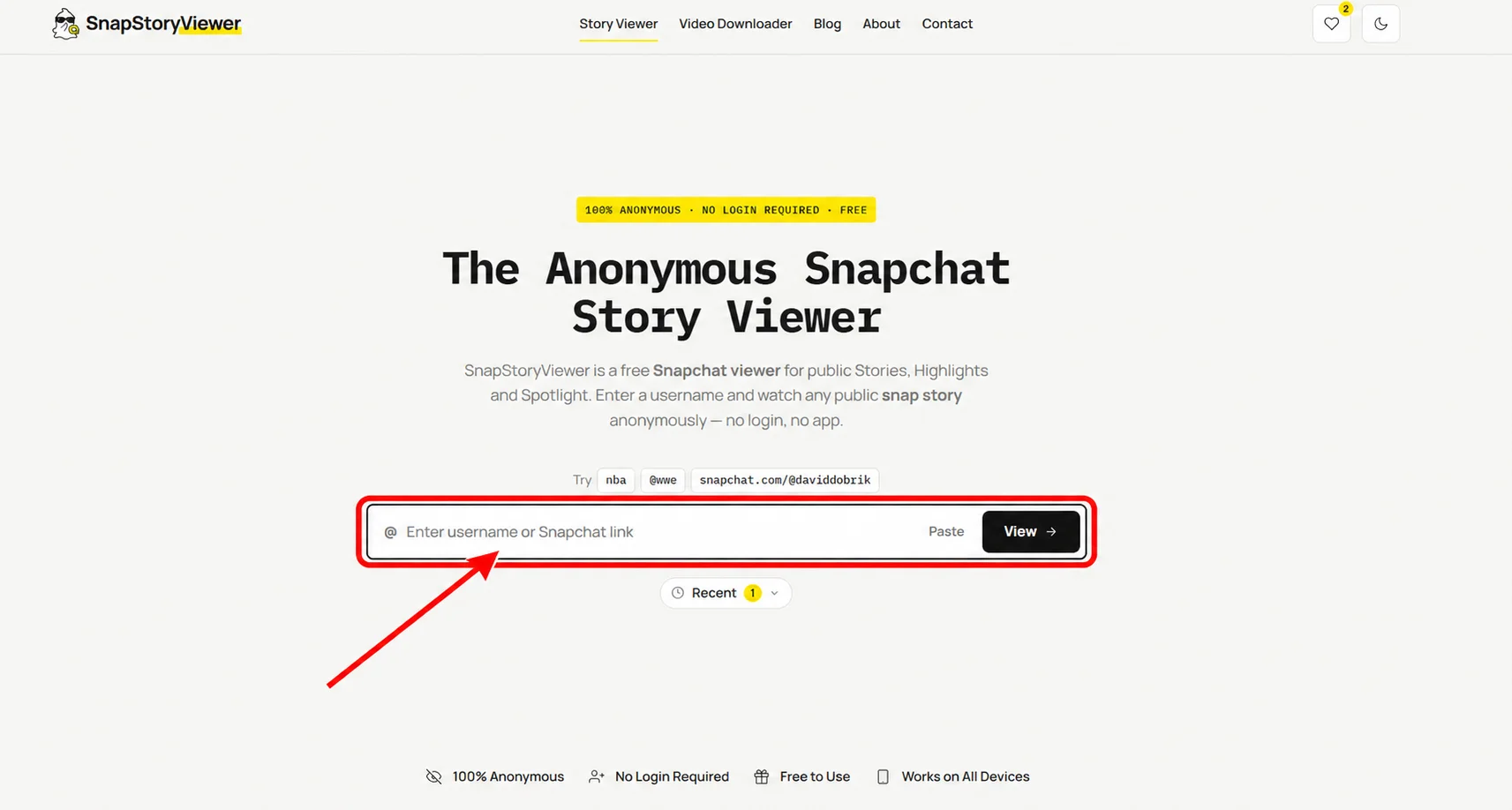
Start with the username search on SnapStoryViewer.net.
Enter the Username and Search
Enter the creator’s username, following the format shown beside the search field. Check the spelling before submitting it.
When results appear, look at any account details shown to confirm that you found the right creator. Similar names are common, so it helps to compare the result with the profile link the creator shared.
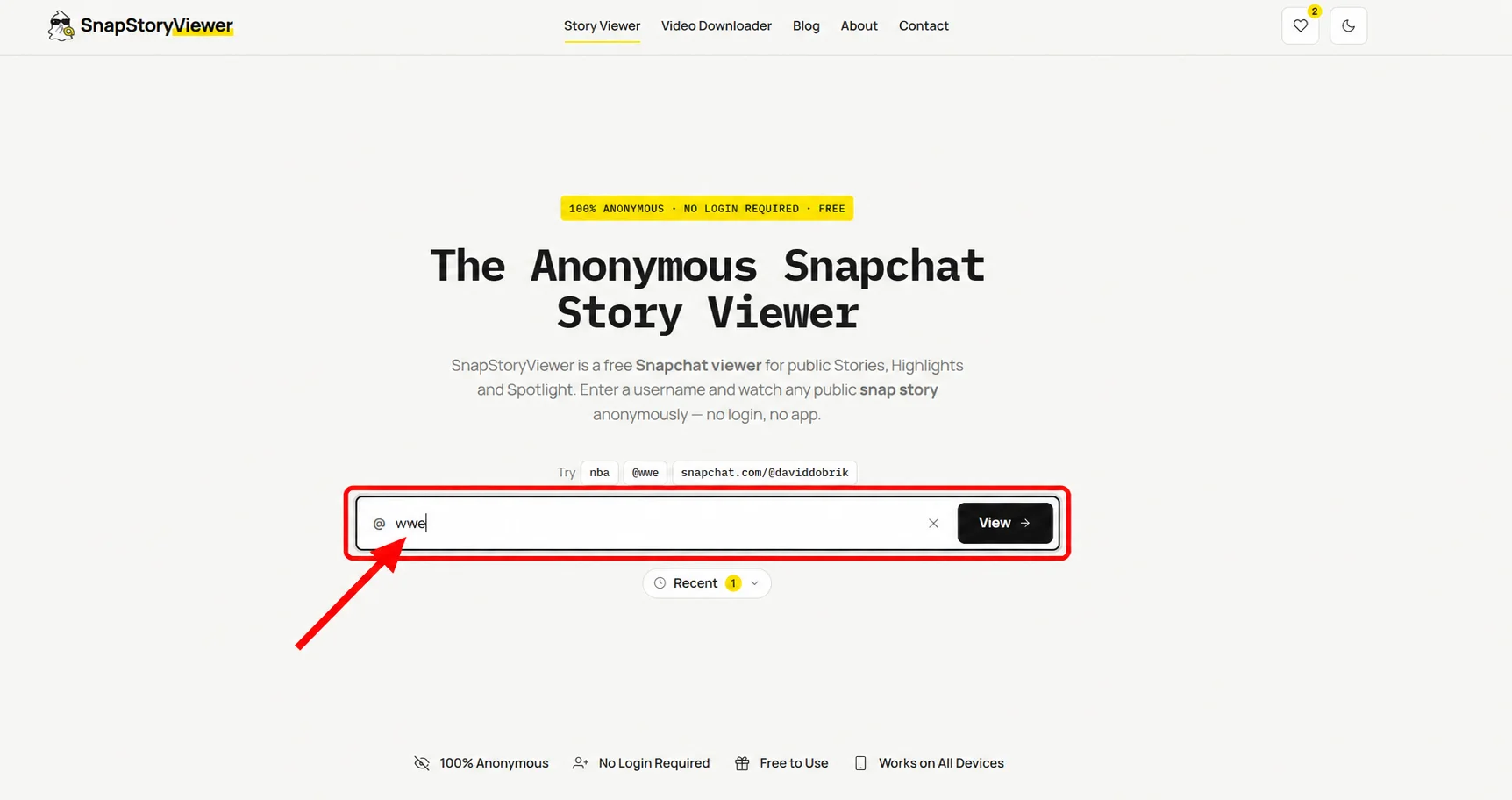
Use the creator’s Snapchat username rather than guessing from their display name.
Browse the Available Public Stories
If the tool returns Stories, browse the results and choose the update you want to watch.
This is where a browser viewer can be useful.
However, the results are not a complete account history. They reflect the public content the tool can retrieve at that time.
Snapchat lets creators share Stories with different audiences. A public viewer does not give you access to updates shared only with friends or selected people.
Source: values.snap.com
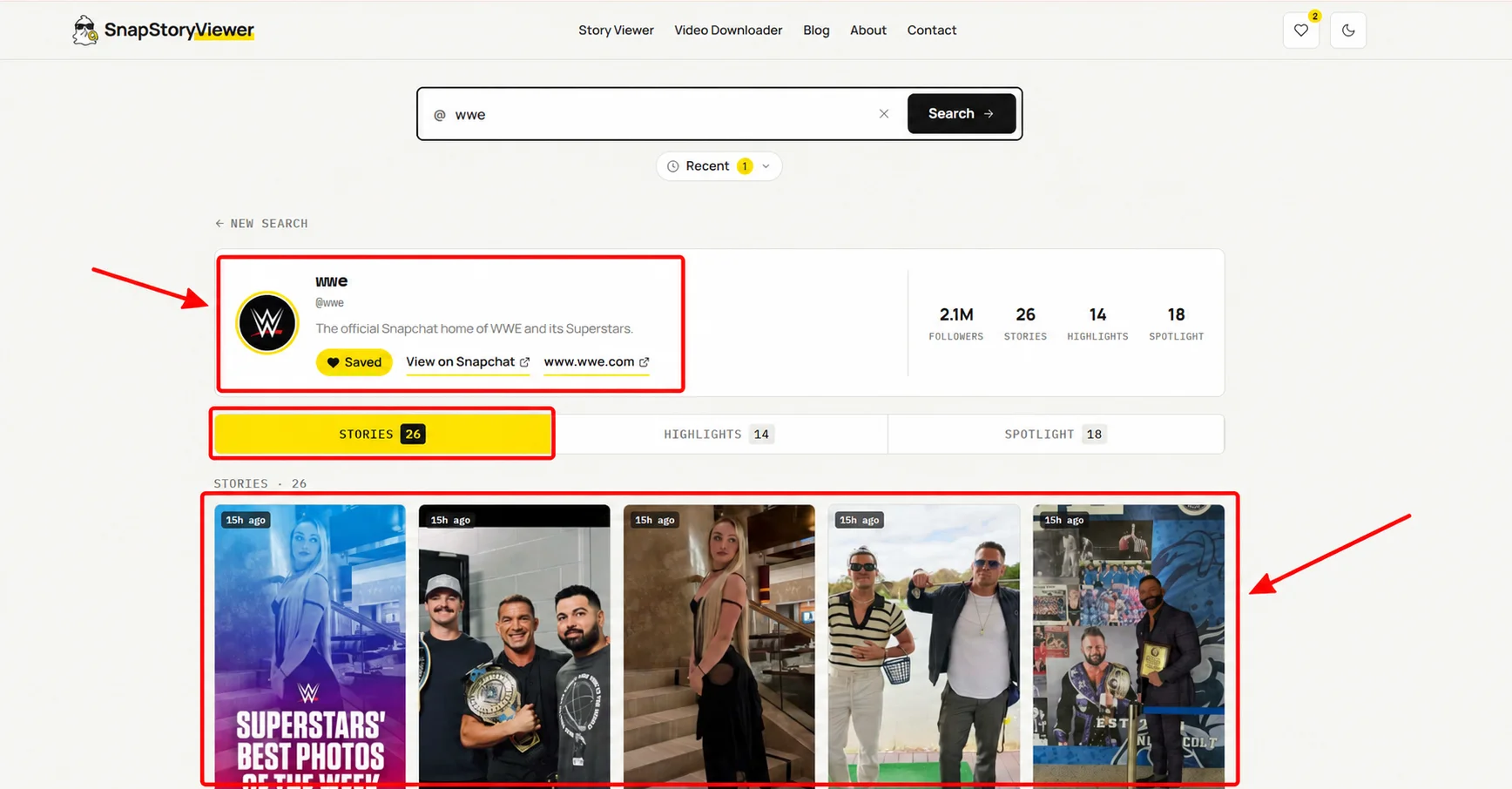
Check the available public Stories returned for the username.
Open a Story and Watch
Choose a Story and open it using the controls on the page. Follow any playback or navigation options shown by the tool.
For a quick check, watch the update you came for. If you’re following a project or event, browse the other available Stories for context. One short clip might make more sense after you see what happened before it.
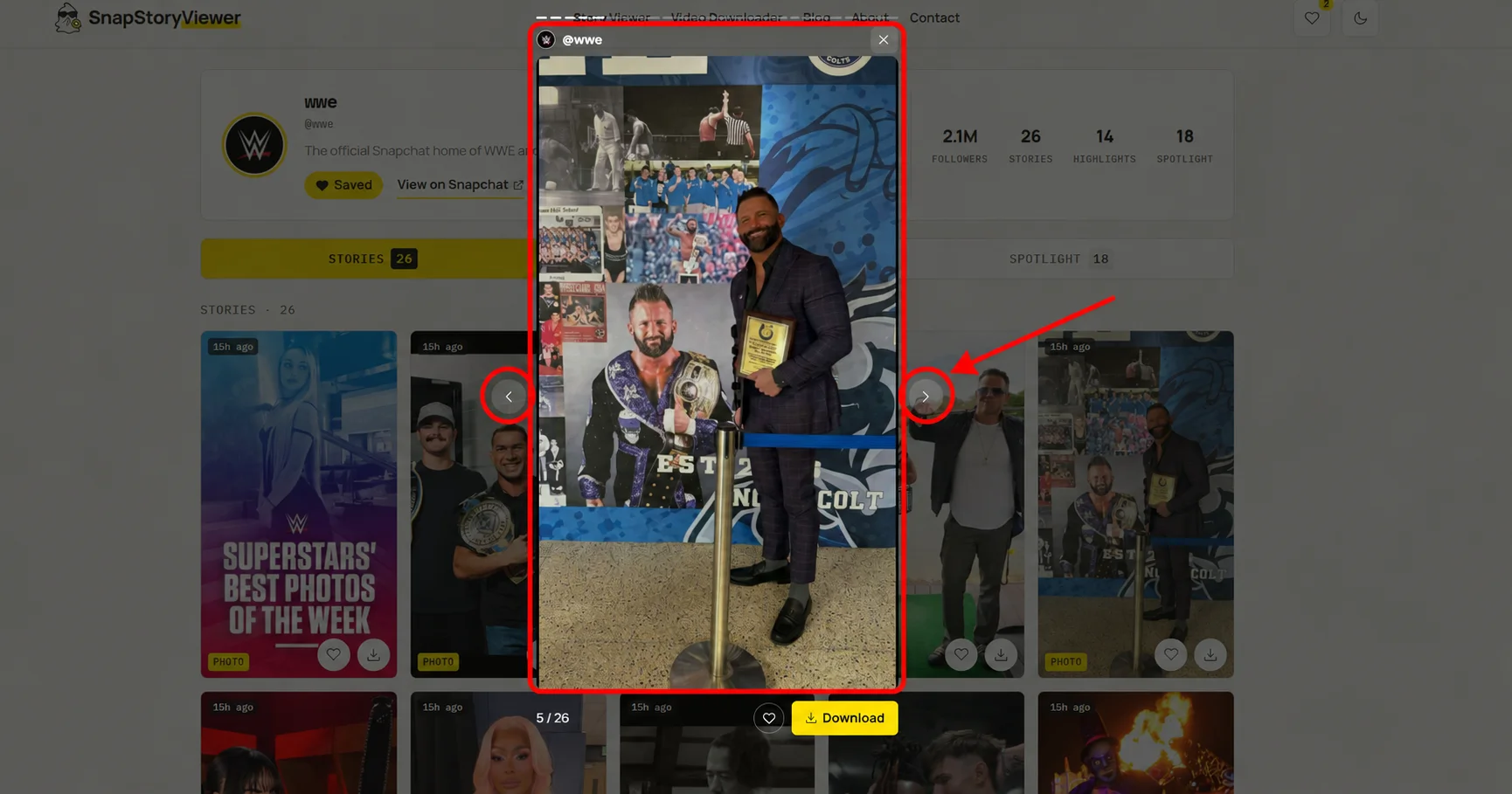
Open a Story to watch the creator’s public update in your browser.
Make It Easy to Check Again
A browser viewer is a way to check updates manually. Unless the tool offers a following or alert feature, you’ll need to return and search again.
A simple routine is enough:
Bookmark SnapStoryViewer.net.
Save the usernames of creators you enjoy.
Return when you want to check their latest public updates.
For example, if you follow a creator who is renovating a house, you could check their available Stories when they announce a new update elsewhere. You don’t have to keep guessing whether they have posted something.
Checking occasionally also keeps the process useful. You’re catching up on content you enjoy, rather than turning it into another feed you feel you must watch all day.
What If No Stories Appear?
An empty result can be disappointing, especially when you know the creator uses Snapchat. But it doesn’t necessarily mean you made a mistake.
First, check the username.
Then consider whether they have an available public Story.
They may be posting privately, their older Stories may no longer be available, or the tool may be having a loading problem.
Try again later if needed.
An empty result alone doesn’t prove that an account has disappeared or that someone blocked you.
Can You Follow the Creator This Way?
Checking Stories through a viewer is different from following someone on Snapchat.
Inside Snapchat, following a public profile connects you to that creator through your account.
A browser search is simply a visit to the public content the tool can show.
So, if your goal is to browse occasional updates, a viewer may suit your needs.
If you want to follow the creator inside Snapchat, reply through the app, or access content shared specifically with your account, you’ll need Snapchat’s own features.
Check the Updates You Want, When You Want
You may enjoy a creator’s Snapchat content without wanting another app on your phone. A browser viewer offers a practical way to check the public updates that are available.
Start with their correct username, try SnapStoryViewer.net, and bookmark it if it fits your routine. The next time a creator mentions a public Snapchat Story, you’ll know where to start.